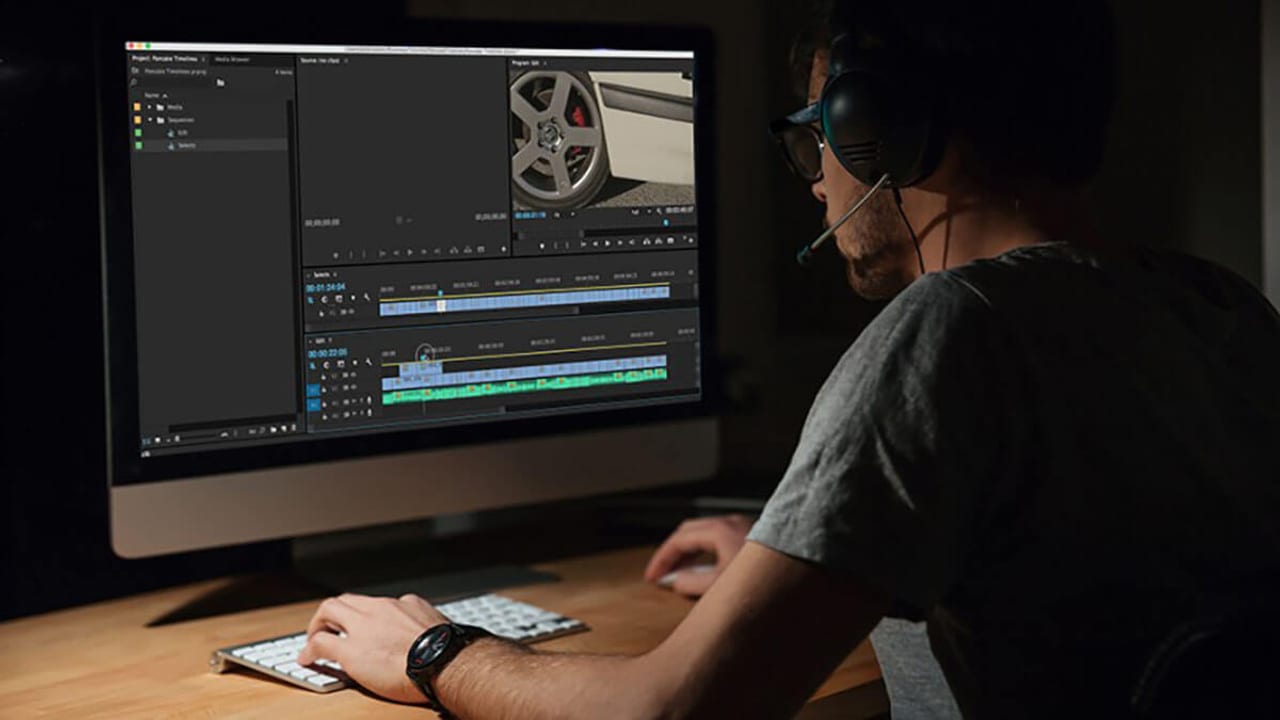
Learn how to confidently start video editing with Adobe Premiere, navigate post-production workflows, and shape your footage into polished stories with practical tips from ECG
This article helps readers decide how to begin and succeed in video editing using Adobe Premiere and professional post-production practices.
Why Video Editing Skills Matter in Today’s Content Landscape
In today’s digital-first world, video content drives engagement across every platform. Whether you’re a marketer, producer, or agency lead, understanding video editing isn’t just a nice-to-have—it’s essential. It empowers you to communicate your story clearly, make smarter production decisions, and collaborate effectively with post teams. Adobe Premiere remains the industry standard for professional editing, offering unmatched flexibility and integration with other creative tools. Getting comfortable with Premiere unlocks the ability to shape raw footage into compelling narratives that resonate.
Getting Started with Adobe Premiere: Access and Orientation
The first step is securing access to Adobe Premiere Pro. Adobe’s Creative Cloud subscription costs around $20 per month and includes regular updates and cloud syncing. A seven-day free trial lets you explore the interface without commitment. Premiere’s workspace can feel overwhelming at first, with its multiple panels for timeline, source, effects, and media bins. Start by customizing your workspace to focus on essentials: timeline editing, preview monitor, and project panel. Free tutorials on YouTube and platforms like LinkedIn Learning (formerly Lynda.com) offer step-by-step guidance tailored to beginners and pros alike.
From Rough Cuts to Polished Edits: The Post-Production Workflow
Editing is more than cutting clips together. It’s a layered process: assemble your rough cut to establish story flow, refine pacing and transitions in the fine cut, then move into color correction, sound design, and graphics integration. Premiere’s timeline lets you organize footage, add multiple video and audio tracks, and apply effects non-destructively. Color grading tools help unify your footage’s look, while audio mixing ensures clarity and impact. Throughout, version control and regular backups prevent data loss. Planning for client review and approval rounds early in post saves time and frustration later.
Overcoming Common Editing Challenges with Patience and Strategy
Video editing demands patience. It’s normal to hit creative blocks or technical hurdles—like syncing audio, managing large files, or troubleshooting render errors. Break your work into manageable chunks and set clear milestones. Use proxy workflows in Premiere to edit smoothly with high-resolution footage. When frustration peaks, step away briefly to maintain perspective. Remember, every editor’s journey involves trial, error, and learning. The satisfaction comes from transforming raw footage into a story that moves viewers. Persistence and curiosity are your best tools.
Next Steps: Building Your Editing Skills with ECG’s Support
If you’re ready to deepen your editing expertise or need professional post-production services, ECG Productions offers tailored video editing, color grading, sound design, and finishing. Explore our portfolio to see how we bring stories to life with precision and creativity. For agencies and brands looking to streamline production workflows, our team can partner with you from pre-production planning through delivery and distribution. Contact us to discuss your project and discover how expert editing elevates your content’s impact.
FAQ
How much does Adobe Premiere Pro cost and is it worth the investment?
Adobe Premiere Pro is available via a Creative Cloud subscription, typically around $20 per month. This subscription includes regular software updates and cloud features. For professional or serious hobbyist editors, Premiere’s extensive tools and industry-standard status justify the cost by enabling high-quality, efficient workflows.
What are the best resources to learn Adobe Premiere for beginners?
Free tutorials on YouTube provide excellent introductions to Premiere’s interface and basic editing techniques. For more structured learning, platforms like LinkedIn Learning offer in-depth courses that cover everything from editing fundamentals to advanced post-production workflows.
How can I manage large video files to keep editing smooth in Premiere?
Using proxy files—lower-resolution versions of your footage—allows Premiere to run more smoothly during editing. You can switch back to full-resolution files for final color grading and export. This approach helps avoid lag and crashes when working with high-resolution or 4K footage.
What should a team understand about Becoming a Video Editor or: How I Learned to Stop Worrying and Love Premiere?
The useful takeaway is how audience, creative direction, production choices, post-production, approvals, and delivery needs shape the final video plan.
Where should this kind of project start?
Start with the goal, audience, deadline, where the finished piece needs to live, and the practical constraints that will affect creative and production decisions.
How can ECG help with the next step?
ECG can help connect the creative idea to production planning, filming, post-production, versioning, and delivery so the finished work fits the channel and the audience.