ECG Productions
ECG Blog

Production

Essential Gear for Recording Professional Voice-Overs in 2024

Discover the must-have equipment and practical tips for recording clear, high-quality voice-overs. From microphones to acoustic treatment, learn how to plan and execute a smooth

Updated Jun 28, 20264 min readProduction
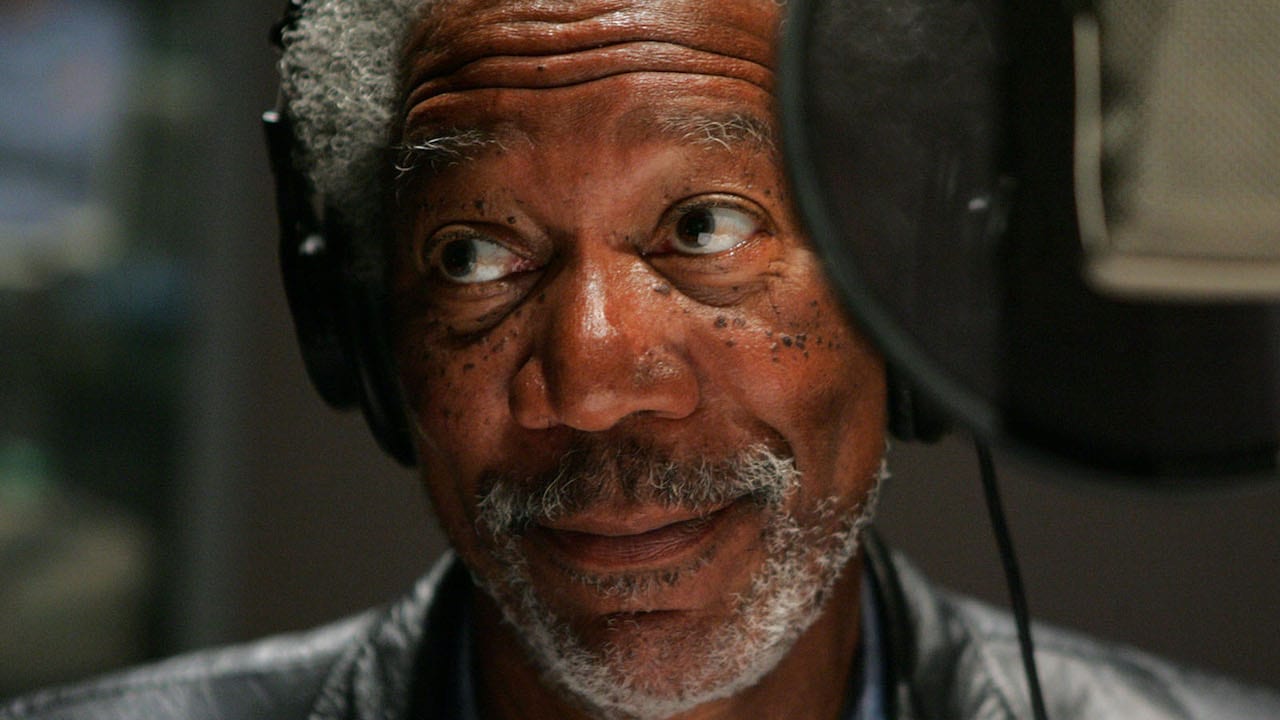
Gear Needed to Record a Voice-Over article image showing ECG Productions crew, cameras, or on-set production work.

Production

Production context from the work that happens before, during, and after the shoot.

Production Context

See the planning choices behind a stronger shoot.

A stronger shoot starts with the real production variables: what has to be captured, what can go wrong, what the edit will need, and how the crew keeps the day moving toward the finished piece.

The real value is in what the shoot protects.

Behind-the-scenes and production articles are useful because they reveal planning, crew decisions, location realities, sound, lighting, schedule pressure, and the practical choices that make the final piece possible.

Better production questions start here.

If you are planning a similar shoot, ask what has to be captured, what can go wrong, what the edit needs, who has approval, and what the crew must know before the day starts.

Look for the handoff into post.

Strong production is not finished when the shoot wraps. The footage, notes, sound, continuity, and media workflow need to give post-production enough room to shape the final piece.

Article

Discover the must-have equipment and practical tips for recording clear, high-quality voice-overs. From microphones to acoustic treatment, learn how to plan and execute a smooth

Help readers decide what gear and setup are essential to capture professional voice-over audio that works seamlessly through post-production and delivery.

Why Choosing the Right Voice-Over Gear Matters

Recording a voice-over isn’t just about hitting the record button. The gear you select directly impacts the clarity, tone, and overall quality of your audio — which in turn affects every stage from editing to final delivery. A well-planned setup reduces time spent fixing issues in post and ensures your voice-over fits perfectly with your video or animation. This article breaks down the essential gear and setup considerations to help you make smart production decisions.

Microphones: Picking the Right Type for Your Project

The microphone is the heart of your voice-over setup. Condenser mics are popular for their sensitivity and clarity, making them ideal for studio recordings with controlled acoustics. Dynamic mics are more rugged and handle louder voices or untreated rooms better. Ribbon mics offer a warm, natural tone but require careful handling and specific preamps. Avoid USB microphones for professional work—they often lack the audio fidelity and flexibility needed for high-quality production. Instead, invest in an XLR mic that pairs with a quality preamp or audio interface.

Audio Interfaces and Preamps: The Bridge to Your Computer

A microphone alone can’t connect directly to your computer with professional quality. That’s where an audio interface or mic preamp comes in. This device amplifies the mic signal cleanly and converts it to digital audio your computer can record. Look for interfaces with low noise, high-quality preamps, and reliable drivers. Features like headphone monitoring with volume control and phantom power for condenser mics are must-haves. A solid interface ensures your recordings are clean and free from distortion or latency issues.

Acoustic Treatment: Controlling Your Recording Environment

Even the best microphone can’t fix a noisy or echoey room. Acoustic treatment is critical to capturing clean voice-over audio. Avoid rooms with hard reflective surfaces like tile or glass. Use portable acoustic panels or foam to absorb reflections and reduce ambient noise. Whisper rooms or vocal booths offer an efficient, space-saving solution to isolate your talent and create a consistent sound. Proper acoustic treatment saves hours in editing and improves the natural tone of the recording.

Essential Accessories and Monitoring Setup

Don’t overlook the small gear that keeps your session running smoothly. Use sturdy mic stands appropriate for your microphone’s weight and setup. Pop filters prevent harsh plosives that can ruin takes. Have multiple XLR cables on hand in varying lengths to avoid interruptions. For monitoring, invest in closed-back headphones for the talent to prevent bleed and open-back headphones or studio monitors for the engineer to hear the true sound. Finally, a talkback mic lets the engineer communicate clearly with the talent without shouting, keeping sessions efficient and professional.

Software and Workflow: From Recording to Delivery

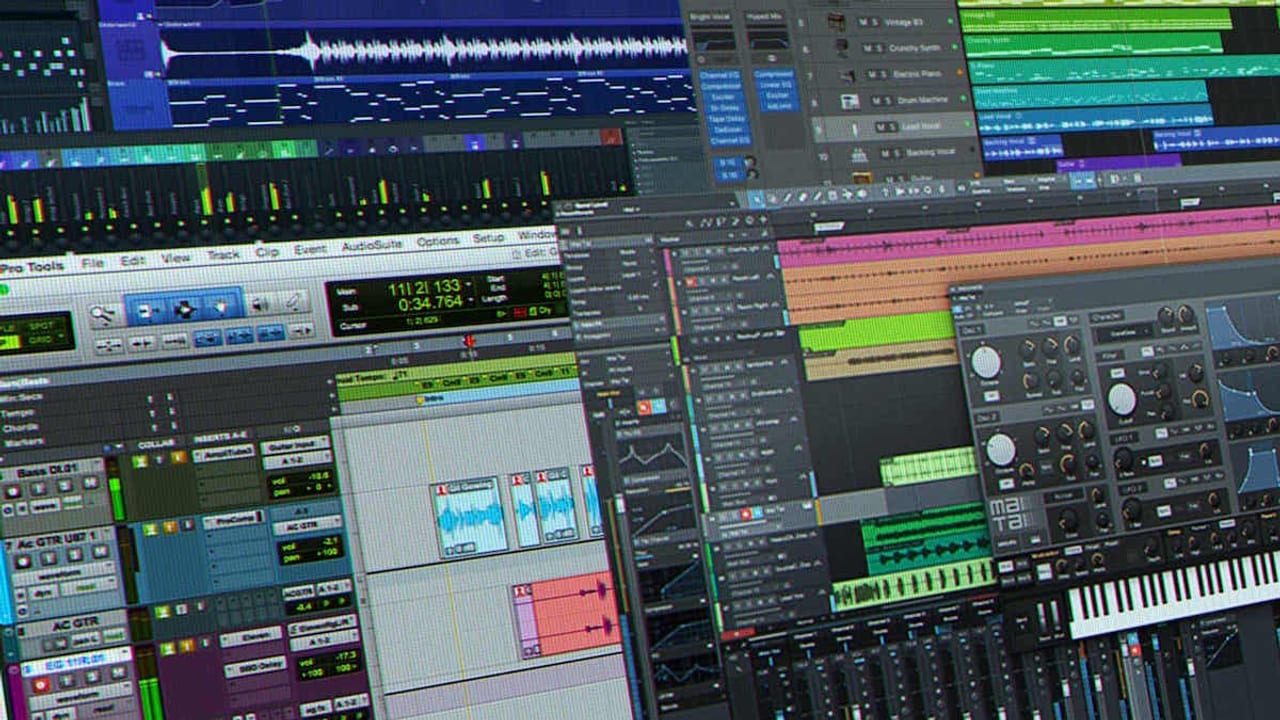
Choose a Digital Audio Workstation (DAW) that fits your workflow and budget. Popular options include Pro Tools, Adobe Audition, Logic Pro, and free tools like Audacity. Your DAW handles recording, editing, noise reduction, and exporting final audio files. Plan your session with clear naming conventions and backup strategies to protect your files. Coordinate with post-production early to confirm delivery specs and audio formats. A smooth workflow from capture to delivery minimizes revisions and keeps your project on schedule.

FAQ

Can I use a USB microphone for professional voice-over recording?

While USB microphones are convenient and affordable, they often lack the audio quality and flexibility required for professional voice-over work. Investing in an XLR microphone paired with a quality audio interface will provide cleaner, more versatile recordings suitable for high-end production.

How important is acoustic treatment when recording voice-overs?

Acoustic treatment is crucial. Without it, your recordings may capture unwanted echoes, background noise, and room reflections that are difficult to fix in post. Using acoustic panels, foam, or a whisper room creates a controlled environment that results in clearer, more natural voice recordings.

What should I look for in an audio interface for voice-over work?

Look for interfaces with low noise preamps, reliable drivers, phantom power for condenser mics, headphone monitoring with volume control, and multiple inputs if needed. These features ensure clean signal capture and smooth monitoring during recording sessions.

What should a team understand about Gear Needed to Record a Voice-Over?

The useful takeaway is how audience, creative direction, production choices, post-production, approvals, and delivery needs shape the final video plan.

Where should this kind of project start?

Start with the goal, audience, deadline, where the finished piece needs to live, and the practical constraints that will affect creative and production decisions.

How can ECG help with the next step?

ECG can help connect the creative idea to production planning, filming, post-production, versioning, and delivery so the finished work fits the channel and the audience.


Related ECG Portfolio Video

See the article idea in finished ECG work.

Use Red Hare Brewing | Beer Love Commercial as an ECG-produced reference for Essential Gear for Recording Professional Voice-Overs in 2024. Compare the audience, tone, distribution plan, and production choices before turning the article into a creative brief.

YouTubeCommercialRelated Commercials workRelated Branded Content work
Open the project

Beer commercial

Red Hare Brewing | Beer Love Commercial

A Red Hare Brewing commercial parody built in a 48-hour script-to-screen window, with concept, footage, motion graphics, music, and sound design handled by ECG.

Visual Context

Connect the article to the kind of work people can actually picture.

Articles perform better when readers can see what the thinking points toward. This visual break connects the topic to ECG production, post-production, real examples, and the next practical decision instead of leaving the page as a long read with no visual rhythm.

See related work

Article FAQ

Practical answers for the production decision.

These answers add practical context for the decisions that usually sit behind production work: scope, timing, creative direction, production approach, and what the finished piece needs to accomplish.

Can I use a USB microphone for professional voice-over recording?

While USB microphones are convenient and affordable, they often lack the audio quality and flexibility required for professional voice-over work. Investing in an XLR microphone paired with a quality audio interface will provide cleaner, more versatile recordings suitable for high-end production.

How important is acoustic treatment when recording voice-overs?

Acoustic treatment is crucial. Without it, your recordings may capture unwanted echoes, background noise, and room reflections that are difficult to fix in post. Using acoustic panels, foam, or a whisper room creates a controlled environment that results in clearer, more natural voice recordings.

What should I look for in an audio interface for voice-over work?

Look for interfaces with low noise preamps, reliable drivers, phantom power for condenser mics, headphone monitoring with volume control, and multiple inputs if needed. These features ensure clean signal capture and smooth monitoring during recording sessions.

What should a team understand about Gear Needed to Record a Voice-Over?

The useful takeaway is how audience, creative direction, production choices, post-production, approvals, and delivery needs shape the final video plan.

Where should this kind of project start?

Start with the goal, audience, deadline, where the finished piece needs to live, and the practical constraints that will affect creative and production decisions.

How can ECG help with the next step?

ECG can help connect the creative idea to production planning, filming, post-production, versioning, and delivery so the finished work fits the channel and the audience.
Next Step

Connect the article to ECG services and work.

When an article sounds like your project, compare the relevant service path and nearby work before you make a production decision.

Read Next

Keep learning before you decide what to make.

Back to the blog
I Give Good Voice-Over article image for video marketing, brand storytelling, and campaign strategy.

Strategy

Strategy

I Give Good Voice-Over

I Give Good Voice-Over is a strategy read for teams deciding who the video needs to reach, what it needs to say, where it will live, and what has to be clear before production dollars move.

Read article
A FATHER CREATED THIS FROM OVER 12,000 HOME VIDEOS ... article image showing ECG Productions crew, cameras, or on-set production work.

Production

Production

A FATHER CREATED THIS FROM OVER 12,000 HOME VIDEOS ...

A FATHER CREATED THIS FROM OVER 12,000 HOME VIDEOS is a production read about what needs to be planned, captured, protected, and handed to post so the finished piece has a real chance to work.

Read article
GEAR REVIEW: GRIPBASE PODIUM FOR APPLE iPAD article image showing ECG Productions crew, cameras, or on-set production work.

Production

Production

GEAR REVIEW: GRIPBASE PODIUM FOR APPLE iPAD

GEAR REVIEW: GRIPBASE PODIUM FOR APPLE iPAD is a production read about what needs to be planned, captured, protected, and handed to post so the finished piece has a real chance to work.

Read article
GEAR REVIEW: NEWERTECH NUGUARD KX CASE FOR IPAD AIR article image showing ECG Productions crew, cameras, or on-set production work.

Production

Production

GEAR REVIEW: NEWERTECH NUGUARD KX CASE FOR IPAD AIR

GEAR REVIEW: NEWERTECH NUGUARD KX CASE FOR IPAD AIR is a production read about what needs to be planned, captured, protected, and handed to post so the finished piece has a real chance to work.

Read article
Directors, Stop Looming Over Your DP's Shoulder and Do Something Useful! article image for video marketing, brand storytelling, and campaign strategy.

Strategy

Strategy

Directors, Stop Looming Over Your DP's Shoulder and Do Something Useful!

Directors, Stop Looming Over Your DP's Shoulder and Do Something Useful is a strategy read for teams deciding who the video needs to reach, what it needs to say, where it will live, and what has to be clear before production dollars move.

Read article
Organizing Your Video Production Gear article image showing ECG Productions crew, cameras, or on-set production work.

Production

Production

Organizing Your Video Production Gear

Organizing Your Video Production Gear is a production read about what needs to be planned, captured, protected, and handed to post so the finished piece has a real chance to work.

Read article

Keep Exploring

More ECG pages related to Essential Gear for Recording Professional Voice-Overs in 2024.

Related services, examples, and deeper reads add context around the creative choices, production decisions, and tradeoffs behind this topic.

Next step

Ready to talk through the project?

When this starts to sound like your situation, bring ECG the goal and the constraints.

Share This Article

Send this read to the team before the next production call.

Share the article, project, or service page with a teammate, client, producer, or stakeholder who needs the context before the next decision.