Discover why traditional color theory often misleads video producers and how understanding light-based color models improves your production, post, and finishing workflow.
Helps video producers and marketers make smarter color decisions across production and post-production to ensure their work looks great and avoids costly fixes.
Why Your Color Assumptions Can Sink Your Production
If you’re producing video content, you probably rely on basic color ideas taught in school—red, yellow, and blue as primary colors, right? That’s a common misconception that can cause headaches in production and post. Video and film don’t work like paint. They use light, which follows a different color model entirely. Understanding this difference early in your project can save time and money during grading, color correction, and finishing. It’s not just theory; it’s about how your cameras capture color, how monitors display it, and how viewers perceive it.
The Additive Color Model: RGB Is Your Production Reality
Video and digital displays rely on the additive color model, where Red, Green, and Blue light combine to create the full spectrum of colors. Unlike paint, where mixing all colors leads to black or muddy browns, mixing RGB light results in white. This fundamental difference affects everything from your lighting choices on set to how you grade footage in post. For example, pushing a color too far in the wrong direction can cause clipping or unnatural hues that are impossible to fix later. Knowing that your camera sensors and monitors operate in this RGB space helps you plan your color workflow with precision.
Pigment vs. Light: Why Paint Color Theory Doesn’t Translate to Film
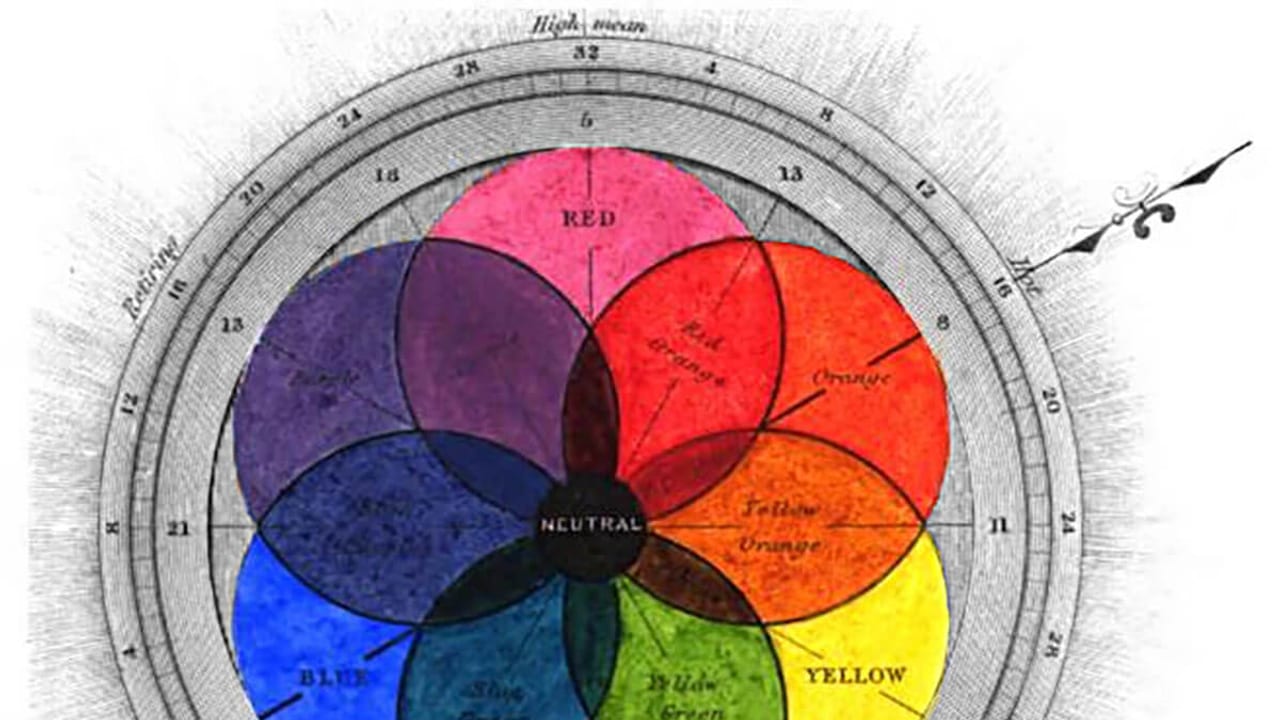
The traditional painter’s color wheel—red, yellow, blue—is based on pigments mixing subtractively. This subtractive model is great for artists working with paint or ink but misleading for video professionals. Pigments absorb certain wavelengths of light and reflect others; mixing pigments subtracts light, which is why combining all paint colors tends to black. Video, on the other hand, adds light. This means that color mixing, saturation, and brightness behave differently on screen. If you treat your footage like paint, you risk making color choices that look unnatural or cause technical issues in post-production.
How Josef Albers’ Color Studies Inform Modern Video Work
Josef Albers, a pioneer of modern color theory, showed how colors interact based on their surroundings rather than in isolation. His work teaches producers and colorists that color perception is relative. For video production, this means you need to consider how colors appear next to each other on screen, how lighting affects skin tones, and how your grading choices influence the viewer’s emotional response. Applying Albers’ insights helps avoid common pitfalls like color clashes, unwanted color casts, or skin tones that look off under different lighting conditions.
Practical Tips for Managing Color in Your Video Production Workflow
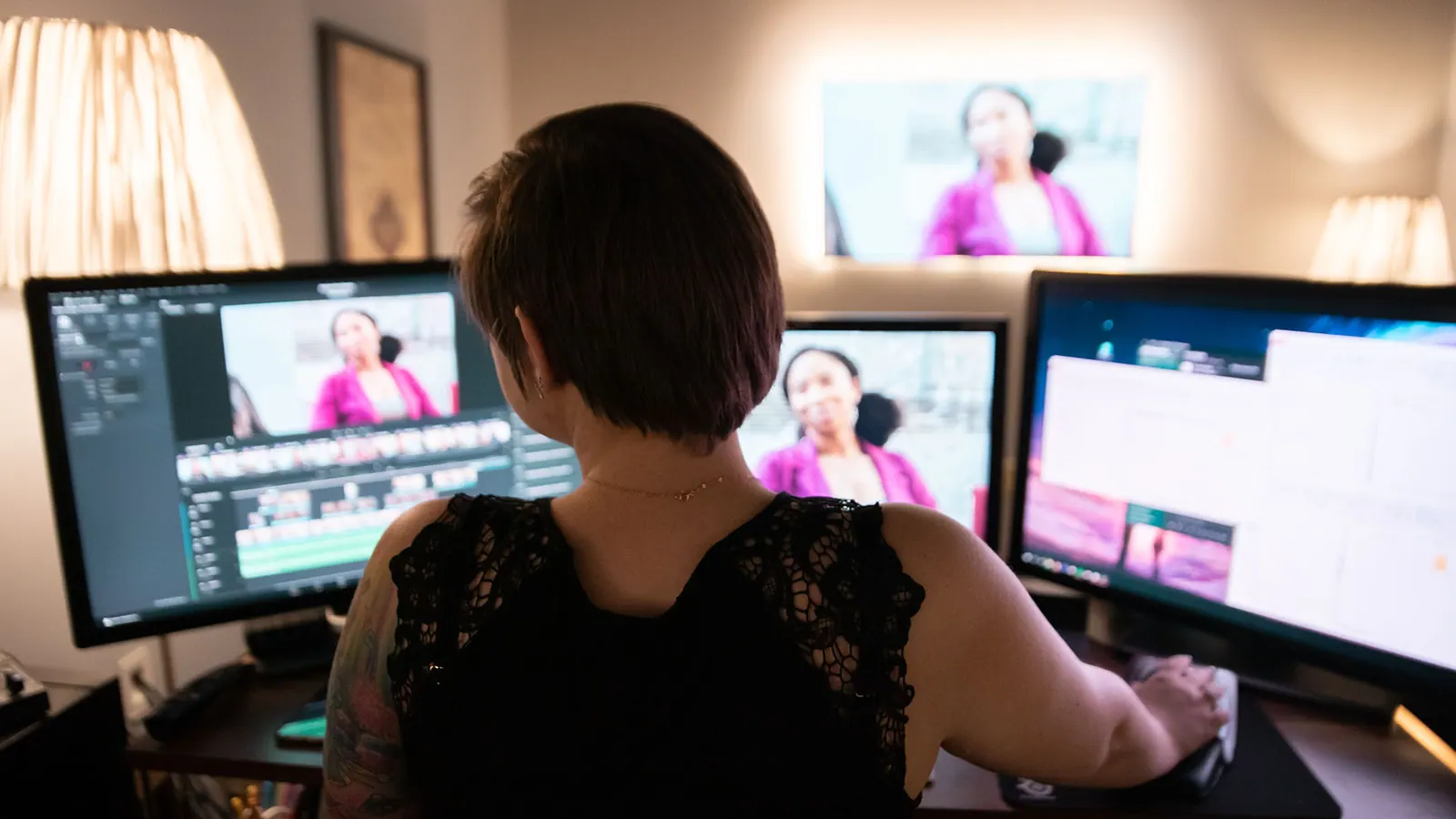
Start with calibrated monitors and accurate camera profiles to capture and view color correctly. During production, use consistent lighting and color temperature controls to avoid surprises in post. In post-production, work in a color-managed environment using tools that respect the RGB color space and your delivery format’s color standards (Rec.709, DCI-P3, HDR). Avoid over-saturating or pushing colors beyond their natural limits. Finally, plan your approvals and delivery with color consistency in mind, ensuring your final video looks great on all platforms and devices.
FAQ
Why is the RGB color model more relevant for video than the traditional painter’s color wheel?
Because video and digital screens use light to create color, they follow the additive RGB model where red, green, and blue light combine to form all colors. The traditional painter’s color wheel is based on subtractive mixing of pigments, which behaves differently and can mislead video color workflows.
How can misunderstanding color theory affect my video production?
Misunderstanding color theory can lead to poor lighting choices, color grading issues, unnatural skin tones, and costly fixes in post-production. It can also cause your final video to look inconsistent across different screens and platforms.
What practical steps can I take to ensure accurate color in my video projects?
Use calibrated monitors, shoot with consistent lighting and camera color profiles, work within a color-managed post-production environment, and avoid pushing colors beyond natural limits. Planning color approvals early also helps maintain consistency.
What should a team understand about Everything You Know About Color Is (Probably) Wrong?
The useful takeaway is how audience, creative direction, production choices, post-production, approvals, and delivery needs shape the final video plan.
Where should this kind of project start?
Start with the goal, audience, deadline, where the finished piece needs to live, and the practical constraints that will affect creative and production decisions.
How can ECG help with the next step?
ECG can help connect the creative idea to production planning, filming, post-production, versioning, and delivery so the finished work fits the channel and the audience.