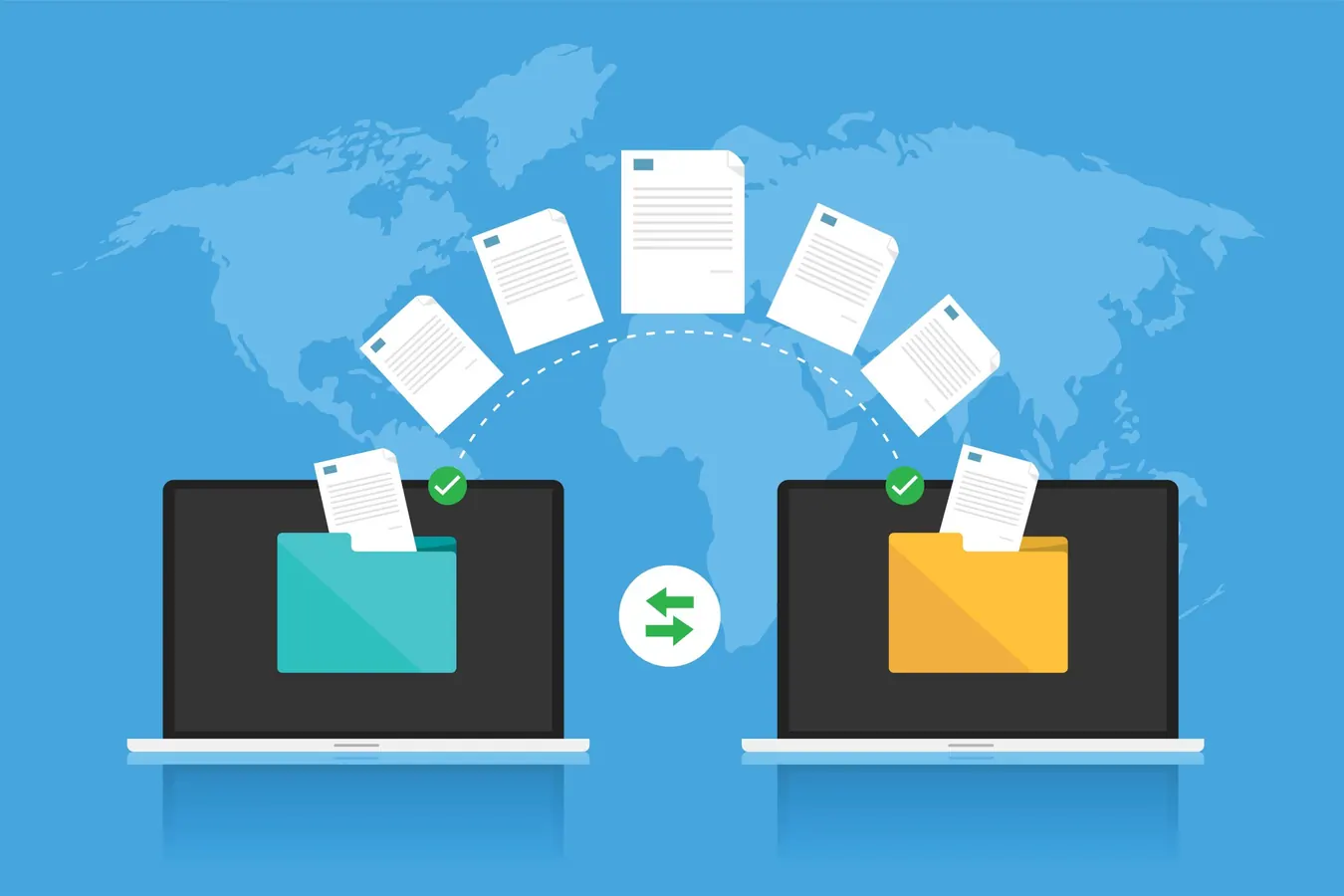
Discover the top secure content transfer tools to protect your video footage and sensitive files during post-production. Learn how to keep your data safe from cyber threats with
Help video producers and marketers choose the right secure transfer tool to protect sensitive content during production and post-production.
Why Secure Content Transfer Is Critical in Video Production
In today’s digital production landscape, your raw footage, edits, and project files are valuable assets that require airtight security. Cyber threats are evolving rapidly—according to CyberCrime Magazine, a cyberattack occurs every eleven seconds worldwide. For video producers, a single leak or breach can mean lost exclusivity, damaged brand reputation, or costly reshoots. Secure content transfer isn’t just an IT concern; it’s a crucial part of your production workflow, from dailies sharing to final delivery. Choosing the right tool means protecting your creative work at every stage: pre-production, production, post, and distribution.
The Three Pillars of Secure Transfer Services
The most reliable secure transfer solutions combine three essential features: strong encryption during transit, encryption at rest, and strict authentication protocols. Encryption ensures that your files are scrambled and unreadable if intercepted. Authentication verifies that only authorized senders and recipients can access the content. When evaluating tools, confirm they use industry-standard encryption like AES-256 and protocols such as TLS or SSL for data in motion. Also, look for multi-factor authentication options to add an extra layer of security for your team and collaborators.
Top 4 Secure Content Transfer Tools for Video Producers
Here are four trusted platforms that balance security, usability, and production needs: 1. **Google Drive** – Widely used and familiar, Google Drive encrypts files with AES-256 and uses TLS for transfers. It integrates seamlessly with many editing and collaboration tools, making it ideal for teams already in the Google ecosystem. 2. **Box** – Designed for enterprise-grade security, Box offers continuous monitoring, regular audits, and robust encryption standards. Its permission controls and audit trails help producers manage access tightly. 3. **WeTransfer Pro** – Simple for quick, secure file sharing with password protection and expiration dates on links. While less feature-rich, it’s perfect for sending large dailies or deliverables without fuss. 4. **Tresorit** – A privacy-first service with end-to-end encryption and Swiss data protection laws. Tresorit is excellent for sensitive projects requiring the highest confidentiality, encrypting files on your device before upload.
What Not to Use: Why Email and Basic File Sharing Fall Short
Email remains one of the riskiest ways to transfer sensitive video files. Messages often pass through multiple servers unencrypted, exposing your content to interception. Passwords can be compromised, and two-factor authentication is not always enforced. Similarly, basic file-sharing services without end-to-end encryption or strict access controls leave your footage vulnerable to leaks or unauthorized downloads. Avoid these shortcuts to maintain control over your content and reduce the risk of costly breaches.
How ECG Productions Ensures Secure Transfers Throughout Your Project
At ECG Productions, we understand that secure content transfer is integral to a smooth production workflow. Whether you’re sharing raw footage for review, distributing dailies to stakeholders, or delivering final masters, we use vetted, secure platforms tailored to your project’s needs. Our team manages encryption, access permissions, and transfer protocols to keep your files safe at every step. Partnering with ECG means you get expert guidance on secure workflows combined with premium video production services. Contact us to discuss your project’s security requirements and production goals.
FAQ
What makes a content transfer service secure for video production?
A secure content transfer service uses strong encryption both during file transfer and while stored, requires authentication to access files, and provides controls like permissions and audit logs to prevent unauthorized access.
Can I use Google Drive or Box for transferring sensitive video files?
Yes, both Google Drive and Box use industry-standard encryption and security protocols suitable for most production workflows. However, for highly confidential projects, consider services with end-to-end encryption like Tresorit.
Why is email not recommended for sharing raw footage or edits?
Email often lacks encryption during transit and at rest, passes through multiple servers, and is vulnerable to hacking. This makes it risky for sharing large, sensitive video files that need to stay confidential.
What should a team understand about Secure Content Transfer: Top 4 Best Tools?
The useful takeaway is how audience, creative direction, production choices, post-production, approvals, and delivery needs shape the final video plan.
Where should this kind of project start?
Start with the goal, audience, deadline, where the finished piece needs to live, and the practical constraints that will affect creative and production decisions.
How can ECG help with the next step?
ECG can help connect the creative idea to production planning, filming, post-production, versioning, and delivery so the finished work fits the channel and the audience.