ECG Productions
ECG Blog

Production

How to Shoot HDR with the Sony a7S II: A Practical Production Guide

Master HDR shooting on the Sony a7S II with practical tips on profiles, dynamic range, noise control, and in-camera processing for video and photo productions.

Updated Jun 28, 20263 min readProduction
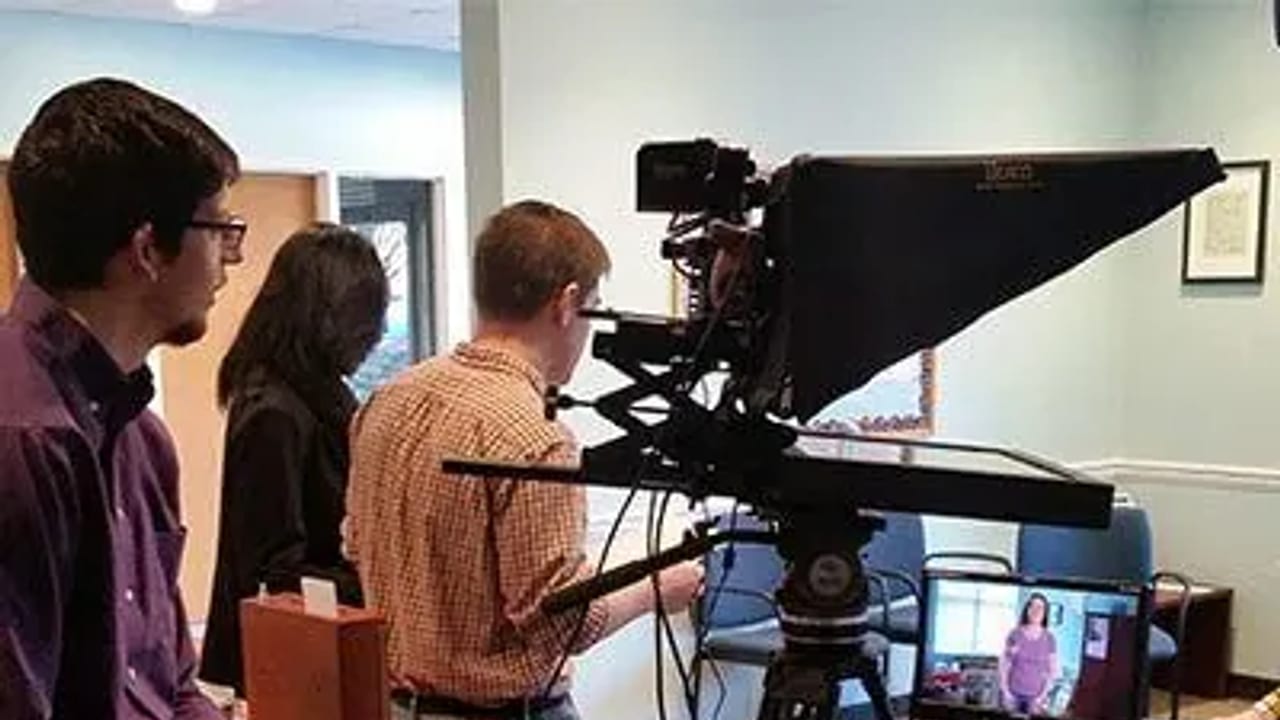
Shooting HDR with the Sony a7s ii article image showing ECG Productions crew, cameras, or on-set production work.

Production

Production context from the work that happens before, during, and after the shoot.

Production Context

See the planning choices behind a stronger shoot.

A stronger shoot starts with the real production variables: what has to be captured, what can go wrong, what the edit will need, and how the crew keeps the day moving toward the finished piece.

The real value is in what the shoot protects.

Behind-the-scenes and production articles are useful because they reveal planning, crew decisions, location realities, sound, lighting, schedule pressure, and the practical choices that make the final piece possible.

Better production questions start here.

If you are planning a similar shoot, ask what has to be captured, what can go wrong, what the edit needs, who has approval, and what the crew must know before the day starts.

Look for the handoff into post.

Strong production is not finished when the shoot wraps. The footage, notes, sound, continuity, and media workflow need to give post-production enough room to shape the final piece.

Article

Master HDR shooting on the Sony a7S II with practical tips on profiles, dynamic range, noise control, and in-camera processing for video and photo productions.

Help video and photo producers decide the best HDR capture approach on the Sony a7S II for their project’s production and post workflow.

Understanding HDR Capture Options on the Sony a7S II

When planning HDR production with the Sony a7S II, the first decision is choosing the right capture method to balance dynamic range, noise, and workflow complexity. The camera offers multiple profiles and modes—from Standard JPEG and Dynamic Range Optimizer (DRO) to S-Log2, S-Log3, and multi-exposure HDR. Each has trade-offs in exposure latitude, noise performance, and post-production demands. Knowing these upfront helps you plan pre-production, shooting, and post more efficiently.

S-Log2 vs. S-Log3: Which Log Profile Fits Your Production?

S-Log2 and S-Log3 profiles unlock the Sony a7S II’s sensor dynamic range for video and stills but serve different production needs. S-Log2 is easier to color grade and offers a good balance of highlight and shadow detail with manageable noise, ideal for projects with tighter post schedules or less color correction expertise. S-Log3 pushes the dynamic range further, preserving smooth highlight roll-off and deep shadows, but introduces more noise and requires more advanced grading and noise reduction workflows. Use S-Log3 when maximum latitude is critical and you have the resources for detailed post.

Dynamic Range Optimizer and In-Camera HDR: Fast Solutions for On-Set Efficiency

DRO is a handy in-camera feature that expands dynamic range by brightening shadows and toning down highlights in a single exposure JPEG. This mode suits fast-moving subjects or run-and-gun shoots where multi-exposure HDR isn’t practical. Meanwhile, the Sony a7S II’s multi-exposure HDR mode merges three exposures (-3, 0, +3 stops) into a single clean JPEG with excellent highlight and shadow detail—perfect for static scenes where you want the best image quality without extensive grading. Both modes reduce post workload but require you to plan for scene motion and delivery needs.

Managing Noise and Exposure: Practical Tips for High ISO HDR Shooting

Shooting HDR at high ISO (like ISO 8000) on the a7S II tests the sensor’s noise floor, especially in shadows. To protect image quality, avoid pushing shadows too far in post or choose S-Log2 over S-Log3 when noise is a concern. Using LUTs like Sony’s LC709A can help tame noise during grading. For stills, multi-exposure HDR delivers cleaner results by combining exposures rather than stretching a single frame’s shadows. Planning your ISO and exposure strategy during pre-production ensures your footage or photos maintain usable quality through post and delivery.

Workflow and Delivery Considerations for HDR Productions

HDR capture on the Sony a7S II impacts your entire production pipeline. S-Log footage demands color grading and noise reduction in post, requiring skilled colorists and time. DRO and in-camera HDR JPEGs reduce post but offer less flexibility. Multi-exposure HDR images can’t handle motion well, so plan static shots accordingly. For video, consider your delivery format and whether HDR grading will be part of the final output or if SDR delivery with enhanced dynamic range is sufficient. Clear communication between production, post, and client teams ensures the HDR approach aligns with creative goals and timelines.

FAQ

What’s the difference between S-Log2 and S-Log3 on the Sony a7S II?

S-Log2 offers easier color grading with good dynamic range and less noise, making it suitable for faster workflows. S-Log3 provides more dynamic range and smoother highlight roll-off but introduces more noise and requires more advanced grading.

Can I use multi-exposure HDR for moving subjects?

No. Multi-exposure HDR combines several exposures and works best with static scenes. Moving subjects will cause motion blur or ghosting artifacts in the final image.

How does Dynamic Range Optimizer (DRO) help in HDR shooting?

DRO processes a single exposure in-camera to brighten shadows and reduce highlight clipping, improving dynamic range without the need for multiple exposures or extensive post-processing.

What should a team understand about Shooting HDR with the Sony a7s ii?

The useful takeaway is how audience, creative direction, production choices, post-production, approvals, and delivery needs shape the final video plan.

Where should this kind of project start?

Start with the goal, audience, deadline, where the finished piece needs to live, and the practical constraints that will affect creative and production decisions.

How can ECG help with the next step?

ECG can help connect the creative idea to production planning, filming, post-production, versioning, and delivery so the finished work fits the channel and the audience.


Related ECG Portfolio Video

See the article idea in finished ECG work.

Use ECG Productions | 2014 Show Reel as an ECG-produced reference for How to Shoot HDR with the Sony a7S II: A Practical Production Guide. Compare the audience, tone, distribution plan, and production choices before turning the article into a creative brief.

VimeoReelRelated Commercials workRelated Branded Content work
Open the project

Vertical Vimeo

ECG Productions | 2014 Show Reel

A legacy ECG show reel preserved as proof of range, style, pacing, and production history across multiple kinds of work. Use it as an archive reference for the company's visual taste and category breadth, then compare newer portfolio examples for the most current finish, media, and production approach.

Visual Context

Connect the article to the kind of work people can actually picture.

Articles perform better when readers can see what the thinking points toward. This visual break connects the topic to ECG production, post-production, real examples, and the next practical decision instead of leaving the page as a long read with no visual rhythm.

See related work

Article FAQ

Practical answers for the production decision.

These answers add practical context for the decisions that usually sit behind production work: scope, timing, creative direction, production approach, and what the finished piece needs to accomplish.

What’s the difference between S-Log2 and S-Log3 on the Sony a7S II?

S-Log2 offers easier color grading with good dynamic range and less noise, making it suitable for faster workflows. S-Log3 provides more dynamic range and smoother highlight roll-off but introduces more noise and requires more advanced grading.

Can I use multi-exposure HDR for moving subjects?

No. Multi-exposure HDR combines several exposures and works best with static scenes. Moving subjects will cause motion blur or ghosting artifacts in the final image.

How does Dynamic Range Optimizer (DRO) help in HDR shooting?

DRO processes a single exposure in-camera to brighten shadows and reduce highlight clipping, improving dynamic range without the need for multiple exposures or extensive post-processing.

What should a team understand about Shooting HDR with the Sony a7s ii?

The useful takeaway is how audience, creative direction, production choices, post-production, approvals, and delivery needs shape the final video plan.

Where should this kind of project start?

Start with the goal, audience, deadline, where the finished piece needs to live, and the practical constraints that will affect creative and production decisions.

How can ECG help with the next step?

ECG can help connect the creative idea to production planning, filming, post-production, versioning, and delivery so the finished work fits the channel and the audience.
Next Step

Connect the article to ECG services and work.

When an article sounds like your project, compare the relevant service path and nearby work before you make a production decision.

Keep Exploring

More ECG pages related to How to Shoot HDR with the Sony a7S II: A Practical Production Guide.

Related services, examples, and deeper reads add context around the creative choices, production decisions, and tradeoffs behind this topic.

Next step

Ready to talk through the project?

When this starts to sound like your situation, bring ECG the goal and the constraints.

Share This Article

Send this read to the team before the next production call.

Share the article, project, or service page with a teammate, client, producer, or stakeholder who needs the context before the next decision.