New tools are useful only when the idea is clear.
Animation, motion graphics, VFX, and AI-assisted production can help explain what live action cannot, but they work best when the message, style, accuracy needs, and approval path are clear.
Animation
Discover essential After Effects plugins that elevate animation and motion graphics, helping you create stunning visuals with greater efficiency and creative control.
 Written byTrey GregoryPartner, Director of Photography & Animator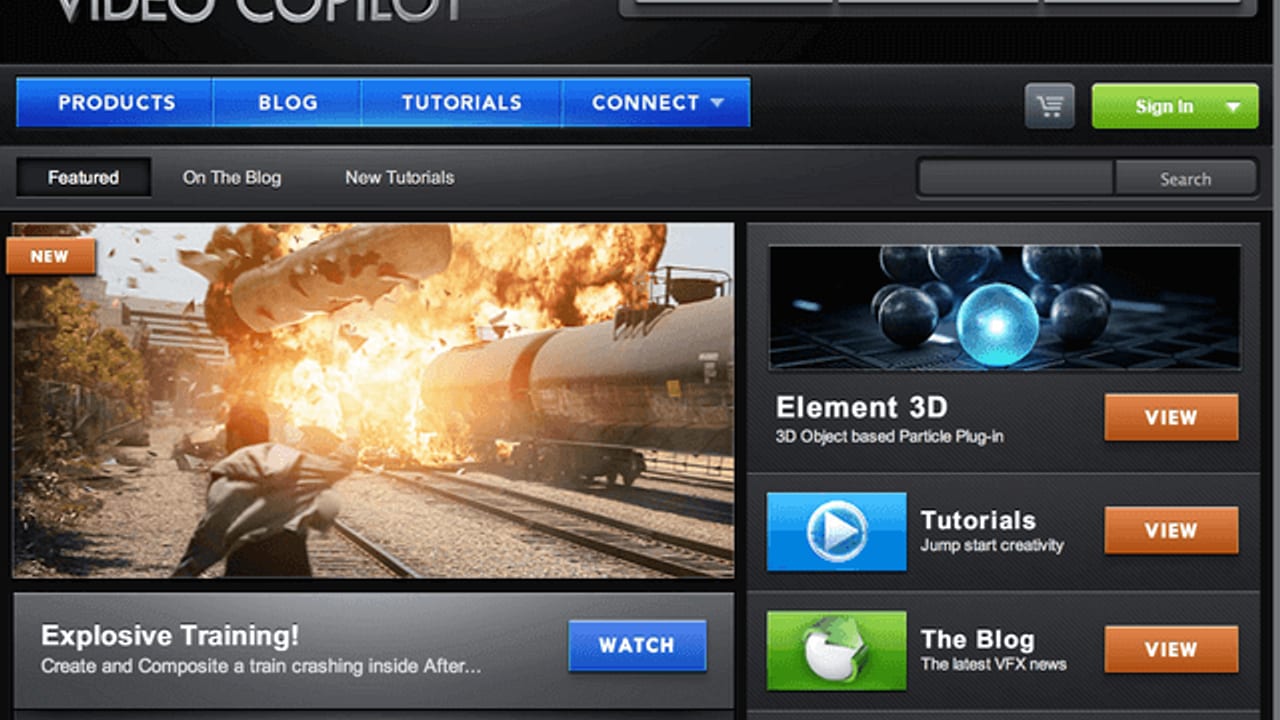
Animation
Motion, animation, and visual storytelling context for clearer communication.
Motion Context
Animation, VFX, and motion graphics are strongest when they make an idea easier to understand, remember, or approve. The style matters, but the communication problem comes first.
Animation, motion graphics, VFX, and AI-assisted production can help explain what live action cannot, but they work best when the message, style, accuracy needs, and approval path are clear.
Motion is useful when it makes the idea easier to understand, easier to remember, or easier to approve, instead of simply making the page feel busier.
A better motion conversation includes brand assets, visual references, technical accuracy requirements, runtime, platform specs, and examples that define what belongs outside the look.
Article
Discover essential After Effects plugins that elevate animation and motion graphics, helping you create stunning visuals with greater efficiency and creative control.
Help readers choose the best After Effects plugins to enhance their animation and motion graphics projects with professional-quality effects and workflows.
After Effects is a powerhouse for animation and motion graphics, but its true strength lies in the plugins that extend its capabilities. These tools unlock complex effects, streamline workflows, and add polish that makes your projects stand out. Choosing the right plugins can save time in production and post, improve the quality of your visual storytelling, and provide flexibility for creative experimentation.
Trapcode Particular is a must-have for animators looking to add realistic or stylized particle effects. Whether you need fire, smoke, rain, dust motes, or magical sparkles, Particular’s 3D-aware particle engine offers unmatched customization. Its integration with After Effects’ camera and lighting systems means particles respond naturally to your scene, making complex effects easier to achieve without sacrificing render efficiency.
Color grading can transform your animation from good to cinematic. Magic Bullet Looks provides a robust suite of presets and tools to fine-tune color, contrast, and mood directly within After Effects. It’s especially useful during post-production to unify disparate footage or add a signature style to your motion graphics. Its seamless hardware monitoring support ensures color accuracy across platforms, making it a staple in ECG’s finishing workflow.
Twixtor is the go-to plugin for high-quality slow-motion and speed ramping effects. By intelligently interpolating frames based on pixel motion tracking, it produces silky smooth results that standard time remapping can’t match. This plugin is invaluable in production when you want to emphasize motion dynamics or create dramatic pacing without reshooting footage.
Andrew Kramer’s Video Copilot is both a resource and a toolkit. His Optical Flares plugin adds realistic lens flares that bring life to light sources, while Twitch introduces dynamic distortion effects perfect for music videos and promos. Element 3D, a 3D object and particle renderer, expands After Effects’ capabilities into real-time 3D animation. Beyond plugins, Video Copilot’s free tutorials provide practical techniques to master these tools and elevate your production quality.
Selecting plugins is just the start. The real value comes from integrating them thoughtfully into your production pipeline. Use Trapcode Particular during pre-production to prototype effects, apply Magic Bullet Looks in post to grade your final composite, and leverage Twixtor for creative pacing adjustments during editing. Plan for render times and approvals by testing plugin-heavy sequences early, ensuring client feedback cycles remain efficient. ECG Productions applies this approach to deliver polished, on-brand animations that meet tight deadlines.
Trapcode Particular is widely regarded as the industry standard for particle effects in After Effects, offering extensive customization and 3D integration to create realistic or stylized particles like fire, smoke, and dust.
Magic Bullet Looks provides professional-grade color correction and grading tools directly inside After Effects, allowing you to apply cinematic color styles and unify your project’s visual tone efficiently.
Twixtor works best on footage with clear motion and minimal occlusion, as it uses pixel tracking to interpolate frames. While it produces smooth slow-motion effects, complex scenes with fast or chaotic movement may require additional tweaking.
The useful takeaway is how audience, creative direction, production choices, post-production, approvals, and delivery needs shape the final video plan.
Start with the goal, audience, deadline, where the finished piece needs to live, and the practical constraints that will affect creative and production decisions.
ECG can help connect the creative idea to production planning, filming, post-production, versioning, and delivery so the finished work fits the channel and the audience.
Related ECG Portfolio Video
Use Sof-Adhere | Medical Video as an ECG-produced reference for Top After Effects Plugins for Animation and Motion Graphics in 2024. Compare the audience, tone, distribution plan, and production choices before turning the article into a creative brief.
Medical explainer
A Sof-Adhere medical explainer for Precision Toxicology, combining live-action green screen footage, After Effects animation, sound, and Premiere editing into a controlled informational video.
Visual Context
Articles perform better when readers can see what the thinking points toward. This visual break connects the topic to ECG production, post-production, real examples, and the next practical decision instead of leaving the page as a long read with no visual rhythm.
See related workArticle FAQ
These answers add practical context for the decisions that usually sit behind animation work: scope, timing, creative direction, production approach, and what the finished piece needs to accomplish.
Trapcode Particular is widely regarded as the industry standard for particle effects in After Effects, offering extensive customization and 3D integration to create realistic or stylized particles like fire, smoke, and dust.
Magic Bullet Looks provides professional-grade color correction and grading tools directly inside After Effects, allowing you to apply cinematic color styles and unify your project’s visual tone efficiently.
Twixtor works best on footage with clear motion and minimal occlusion, as it uses pixel tracking to interpolate frames. While it produces smooth slow-motion effects, complex scenes with fast or chaotic movement may require additional tweaking.
The useful takeaway is how audience, creative direction, production choices, post-production, approvals, and delivery needs shape the final video plan.
Start with the goal, audience, deadline, where the finished piece needs to live, and the practical constraints that will affect creative and production decisions.
ECG can help connect the creative idea to production planning, filming, post-production, versioning, and delivery so the finished work fits the channel and the audience.
Next Step
When an article sounds like your project, compare the relevant service path and nearby work before you make a production decision.
Read Next
Animation
Animation
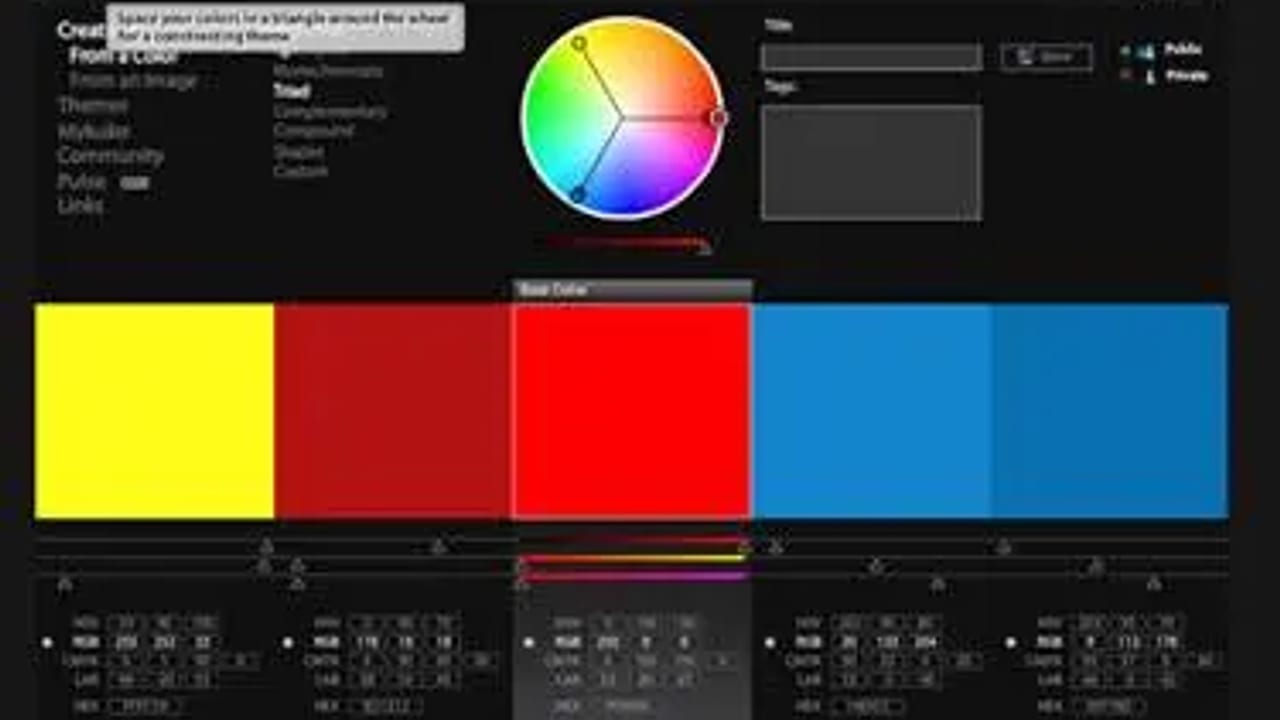
How ANIMATION AND GRAPHIC DESIGN TOOLS #1: Adobe Kuler can make complex ideas clearer, more memorable, and easier for the audience to follow.
Read article
Production
Production
Design and Animation: Meet Anneli, the Animator is a production read about what needs to be planned, captured, protected, and handed to post so the finished piece has a real chance to work.
Read article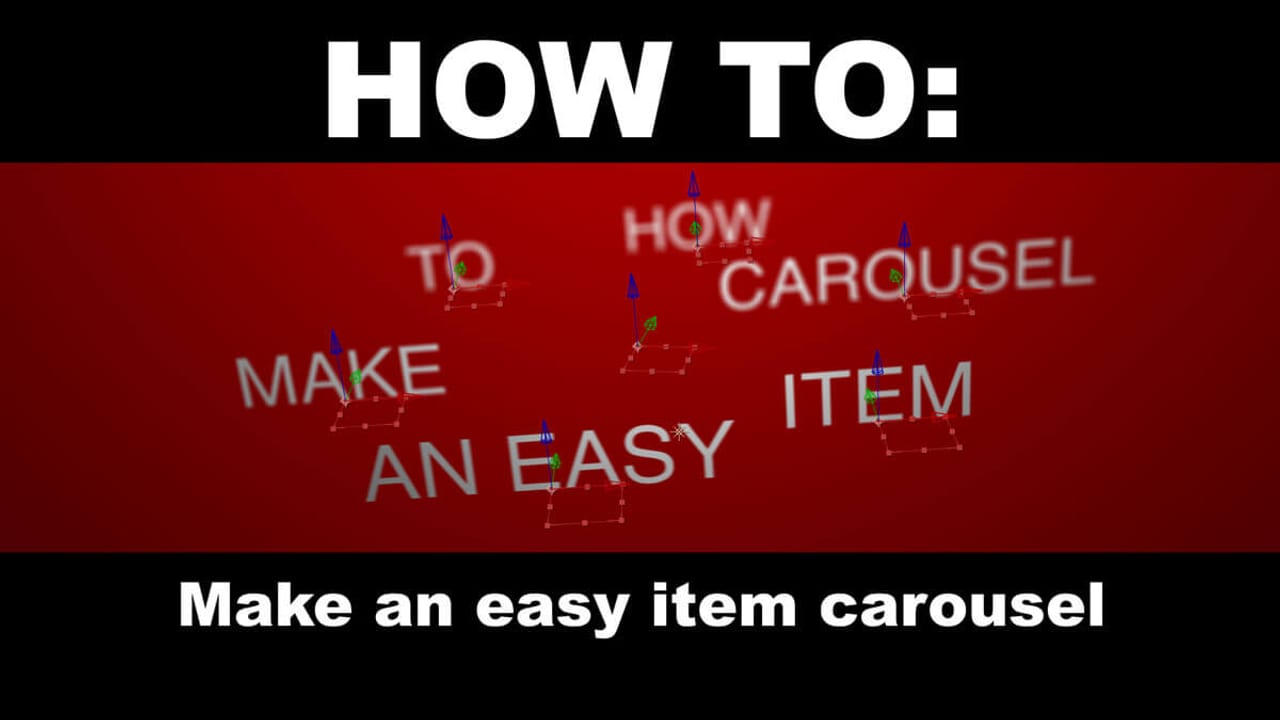
Animation
Animation
How After Effects Tutorial - How to Make an Easy Item Carousel can make complex ideas clearer, more memorable, and easier for the audience to follow.
Read article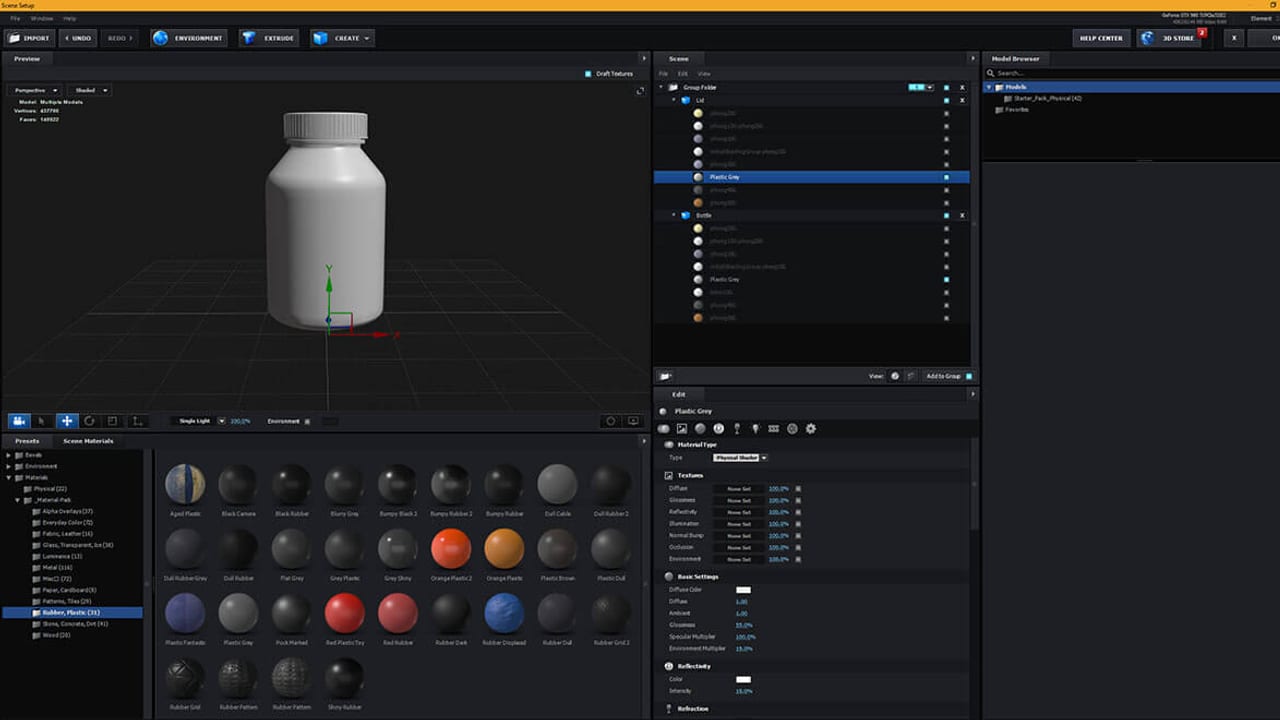
Animation
Animation
How After Effects Tutorial: Dynamic 3D Outlines can make complex ideas clearer, more memorable, and easier for the audience to follow.
Read article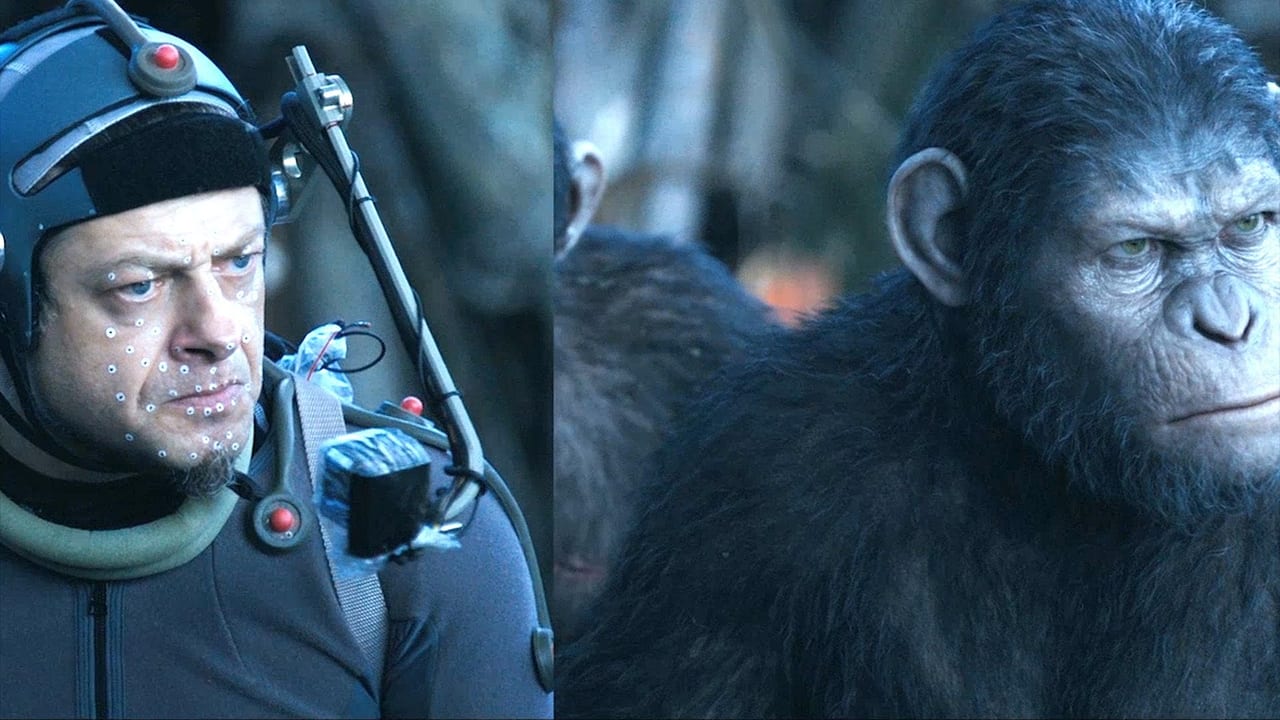
Animation
Animation
How Special Effects - Animation Exceeding Reality can make complex ideas clearer, more memorable, and easier for the audience to follow.
Read articleKeep Exploring
Related services, examples, and deeper reads add context around the creative choices, production decisions, and tradeoffs behind this topic.
Services
These service paths show where the production, post, animation, or package conversation usually goes next.
Service
AI video creation support for teams that want to use generative tools responsibly without sacrificing strategy, production judgment, brand trust, or visual quality.
Open pageService
Color Correction & Color Grading from ECG Productions helps the finished piece feel more polished, consistent, intentional, and ready for its audience.
Open pageService
Color Grading from ECG Productions helps the finished piece feel more polished, consistent, intentional, and ready for its audience.
Open pageService
Particle Effect Animation from ECG Productions adds stylized movement, visual personality, and memorable detail to the story.
Open pageWork
These examples show what the service, article, or category can look like in finished work.
Branded Content
Hello My Name Is… | A Musical Exploration is story-led brand work, which means the finished piece has to show more than polish. The important read is how the brand,...
Open page2D and 3D Animation
The Arthur M. Blank Hospital: Amazing News From CHOA shows how designed motion can make an idea clearer, more memorable, and easier to follow. It helps teams compare...
Open page2D and 3D Animation
Arby’s | Arby’s Foundation Impact shows how designed motion can make an idea clearer, more memorable, and easier to follow. It helps teams compare script clarity, st...
Open pageRelated articles
These pieces add context around process, budget, creative choices, common mistakes, and what to ask next.
Post
A post-production read on Where Do Essential, Digital Dailies Go After A Fun Shoot, covering the edit, sound, color, graphics, delivery, and review choices that shap...
Open pageProduction
Practical Science Fiction Effects are Timeless When Done Well is a production read about what needs to be planned, captured, protected, and handed to post so the fin...
Open pageColor
Color is not just polish. It is one of the ways a video tells the audience how to feel.
Open pageStrategy
Animation vs Live Action | How to Choose the Right Format for Your Video is a strategy read for teams deciding who the video needs to reach, what it needs to say, wh...
Open pageNext step
When this starts to sound like your situation, bring ECG the goal and the constraints.
Share This Article
Share the article, project, or service page with a teammate, client, producer, or stakeholder who needs the context before the next decision.