ECG Productions
ECG Blog

Post

Color Correction vs. Color Grading: Making the Right Post-Production Choice

Understand the practical differences between color correction and color grading to decide what your video project truly needs for a polished, professional finish.

Updated Jun 28, 20263 min readPost
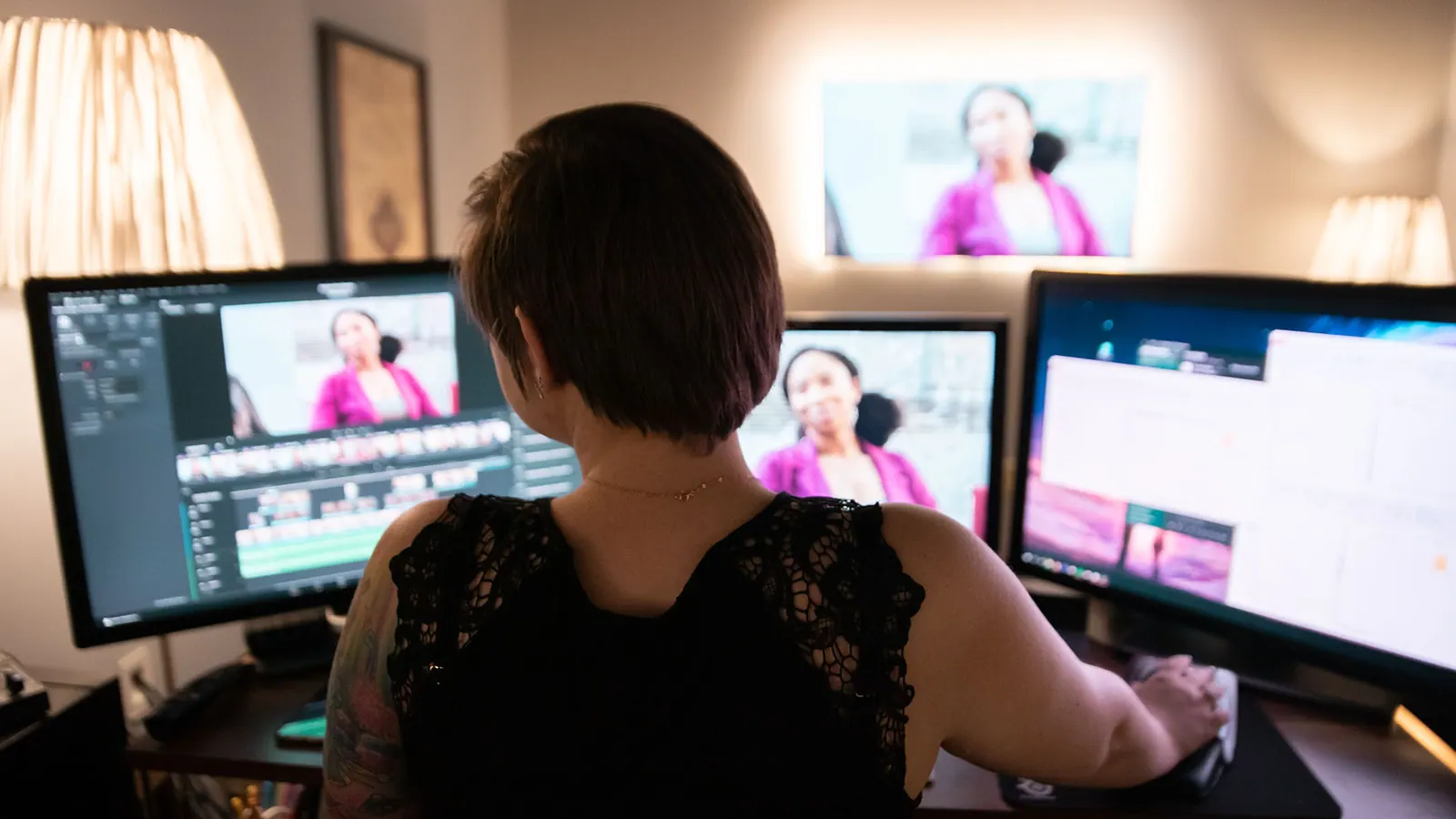
Color Correction vs. Color Grading article image showing ECG Productions post-production and finishing work.

Post

Post-production thinking for edits, finishes, fixes, and final delivery.

Post-Production Context

Know what the footage needs after the shoot.

Post is where structure, pacing, sound, color, graphics, delivery specs, and review discipline either strengthen the project or expose the problems that were never solved earlier.

Tools change, but the edit still has to think.

Post-production software, codecs, AI tools, and platform specs keep moving. The durable lesson is still story, pacing, structure, sound, color, graphics, review discipline, and finishing for the places the video has to live.

Know what feels wrong before post starts.

If the article sounds close to your situation, gather source footage, current cuts, brand guidance, platform specs, deadline, and the places where the piece is not landing yet.

Connect the read to finishing decisions.

Post-production is where edit goals, review rounds, delivery versions, sound, color, graphics, captions, and final placement all come into focus.

Article

Understand the practical differences between color correction and color grading to decide what your video project truly needs for a polished, professional finish.

Help video producers and marketers decide when to use color correction, color grading, or both to elevate their final video.

Why Understanding Color Correction and Color Grading Matters

When planning your video’s post-production, knowing the difference between color correction and color grading can save time, budget, and headaches. Color correction is the technical foundation—fixing exposure issues, white balance, and matching shots from different cameras to ensure a consistent, natural look. Color grading, meanwhile, is the creative layer that shapes the mood, style, and emotional tone of your video. Skipping or confusing these steps can leave your footage looking unfinished or inconsistent. This article breaks down these processes with practical insights to help you decide what your project really needs.

Color Correction: The Essential Technical Fix

Color correction is the first stop in post-production color work. It involves adjusting footage to fix problems like underexposure, overexposure, color casts, and inconsistent white balance. For example, if your interview footage from two different cameras looks mismatched, color correction brings them into harmony. This step is about accuracy and neutrality — making the footage look as it was originally intended without creative interpretation. Many corporate videos, documentaries, and straightforward projects only require solid color correction to look polished and professional.

Color Grading: Crafting Mood and Style

Once your footage is technically sound, color grading adds the artistic touch. This process uses color, contrast, and tone to create an emotional atmosphere that supports your story. For instance, a corporate video might use a cooler, cleaner grade for interviews but a warmer, more dynamic grade for b-roll to add energy and engagement. Grading can evoke nostalgia, urgency, calm, or excitement depending on your narrative goals. It’s a creative collaboration between the colorist and director or producer to define the visual identity of the project.

When to Use Color Correction Only — and When to Add Grading

Not every project needs full grading. If your footage is mostly consistent and your goal is clarity and professionalism—like in training videos or straightforward interviews—color correction alone often suffices. However, if you want your video to stand out with a distinctive look that supports branding or storytelling, grading is essential. Many projects combine both: first color correction to fix issues, then grading to stylize. Knowing this helps you communicate clearly with your post team and budget accordingly.

Working with a Colorist: What to Expect

A professional colorist handles both correction and grading, tailoring their approach to your project’s needs. When you hire a colorist, expect a collaborative process: initial review of footage, technical fixes, creative grading passes, client reviews, and final delivery with approved color profiles and formats. Clear communication about your vision and reference looks will help the colorist deliver results that enhance your story without surprises. For a deeper dive into post-production services, see our video post-production and color grading service pages.

FAQ

What is the difference between color correction and color grading?

Color correction fixes technical issues like exposure and white balance to ensure footage looks natural and consistent. Color grading is a creative process that adjusts colors and tones to set the mood and style of the video.

Can I skip color grading if I have good footage?

If your footage is already consistent and your goal is a clean, professional look, color correction alone may be enough. But grading adds emotional impact and style that can elevate your video beyond just looking correct.

How do I communicate my color grading preferences to a colorist?

Provide reference videos or images that capture the mood or style you want. Be clear about your brand colors, tone, and any creative direction. Open dialogue during review rounds ensures your vision is met.

What should a team understand about Color Correction vs. Color Grading?

The useful takeaway is how audience, creative direction, production choices, post-production, approvals, and delivery needs shape the final video plan.

Where should this kind of project start?

Start with the goal, audience, deadline, where the finished piece needs to live, and the practical constraints that will affect creative and production decisions.

How can ECG help with the next step?

ECG can help connect the creative idea to production planning, filming, post-production, versioning, and delivery so the finished work fits the channel and the audience.


Related ECG Portfolio Video

See the article idea in finished ECG work.

Use ECG Productions | 2014 Show Reel as an ECG-produced reference for Color Correction vs. Color Grading: Making the Right Post-Production Choice. Compare the audience, tone, distribution plan, and production choices before turning the article into a creative brief.

VimeoReelRelated Commercials workRelated Branded Content work
Open the project

Vertical Vimeo

ECG Productions | 2014 Show Reel

A legacy ECG show reel preserved as proof of range, style, pacing, and production history across multiple kinds of work. Use it as an archive reference for the company's visual taste and category breadth, then compare newer portfolio examples for the most current finish, media, and production approach.

Visual Context

Connect the article to the kind of work people can actually picture.

Articles perform better when readers can see what the thinking points toward. This visual break connects the topic to ECG production, post-production, real examples, and the next practical decision instead of leaving the page as a long read with no visual rhythm.

See related work

Article FAQ

Practical answers for the production decision.

These answers add practical context for the decisions that usually sit behind post work: scope, timing, creative direction, production approach, and what the finished piece needs to accomplish.

What is the difference between color correction and color grading?

Color correction fixes technical issues like exposure and white balance to ensure footage looks natural and consistent. Color grading is a creative process that adjusts colors and tones to set the mood and style of the video.

Can I skip color grading if I have good footage?

If your footage is already consistent and your goal is a clean, professional look, color correction alone may be enough. But grading adds emotional impact and style that can elevate your video beyond just looking correct.

How do I communicate my color grading preferences to a colorist?

Provide reference videos or images that capture the mood or style you want. Be clear about your brand colors, tone, and any creative direction. Open dialogue during review rounds ensures your vision is met.

What should a team understand about Color Correction vs. Color Grading?

The useful takeaway is how audience, creative direction, production choices, post-production, approvals, and delivery needs shape the final video plan.

Where should this kind of project start?

Start with the goal, audience, deadline, where the finished piece needs to live, and the practical constraints that will affect creative and production decisions.

How can ECG help with the next step?

ECG can help connect the creative idea to production planning, filming, post-production, versioning, and delivery so the finished work fits the channel and the audience.

Next Step

Connect the article to ECG services and work.

When an article sounds like your project, compare the relevant service path and nearby work before you make a production decision.

Keep Exploring

More ECG pages related to Color Correction vs. Color Grading: Making the Right Post-Production Choice.

Related services, examples, and deeper reads add context around the creative choices, production decisions, and tradeoffs behind this topic.

Next step

Ready to talk through the project?

When this starts to sound like your situation, bring ECG the goal and the constraints.

Share This Article

Send this read to the team before the next production call.

Share the article, project, or service page with a teammate, client, producer, or stakeholder who needs the context before the next decision.

Search Notes

For Reddit

Reddit post-production threads around Corporate usually come down to workflow: what software to use, how to hand off footage, how many revisions are normal, why an edit is not working, and what finishing work is worth paying for.

Explore post-production

What edit or post-production software should I use?

Use the tool that fits the job and handoff. Premiere is common for agency and social workflows, Resolve is strong for color and finishing, After Effects handles motion work, and professional projects need clean project organization more than a trendy app choice.

Why does a cut still feel wrong after the footage is assembled?

Usually the issue is not one magic transition. It is story order, pacing, weak audio, missing context, unclear stakes, mismatched visuals, or a piece that never had a sharp audience goal before editing started.

How many revision rounds are normal?

Enough to refine the work, not enough to rebuild the plan forever. The scope should define review rounds, who gives notes, what counts as a revision, and when new asks become new scope.

What should I send an editor or post team before they start?

Send the goal, references, script or outline, footage, selects, brand assets, music direction, captions needs, delivery specs, deadline, and one clear owner for feedback.