Learn how to create an effective mobile app demo video with strategy, production, and distribution insights from ECG Productions. Make your app demo clear, compelling, and
Helps marketing and production teams decide how to plan and produce a mobile app demo video that connects with the right audience and drives action.
Start With a Clear Strategy: Who Needs to Care and Why
Before you roll cameras or open your animation suite, define who your mobile app demo video must reach and what it needs to prove. Is it for potential users unfamiliar with your app, sales teams needing a quick explainer, or internal stakeholders? Clarify what your audience already knows and what questions the video must answer. This focus shapes your messaging, tone, and visual approach, ensuring every frame earns attention instead of drifting into generic tech jargon.
Plan Multiple Versions Before Production Begins
A single hero video rarely fits all your marketing needs. Plan for different exports during pre-production: a full-length demo for your website, shorter cutdowns for social media, vertical crops for stories, captioned versions for silent autoplay, and thumbnail images optimized for click-through. Consider where each version will live—paid ads, sales presentations, or internal launches—and build your shoot and edit schedule around these deliverables to save time and budget later.
Combine Live Action and Animation Thoughtfully
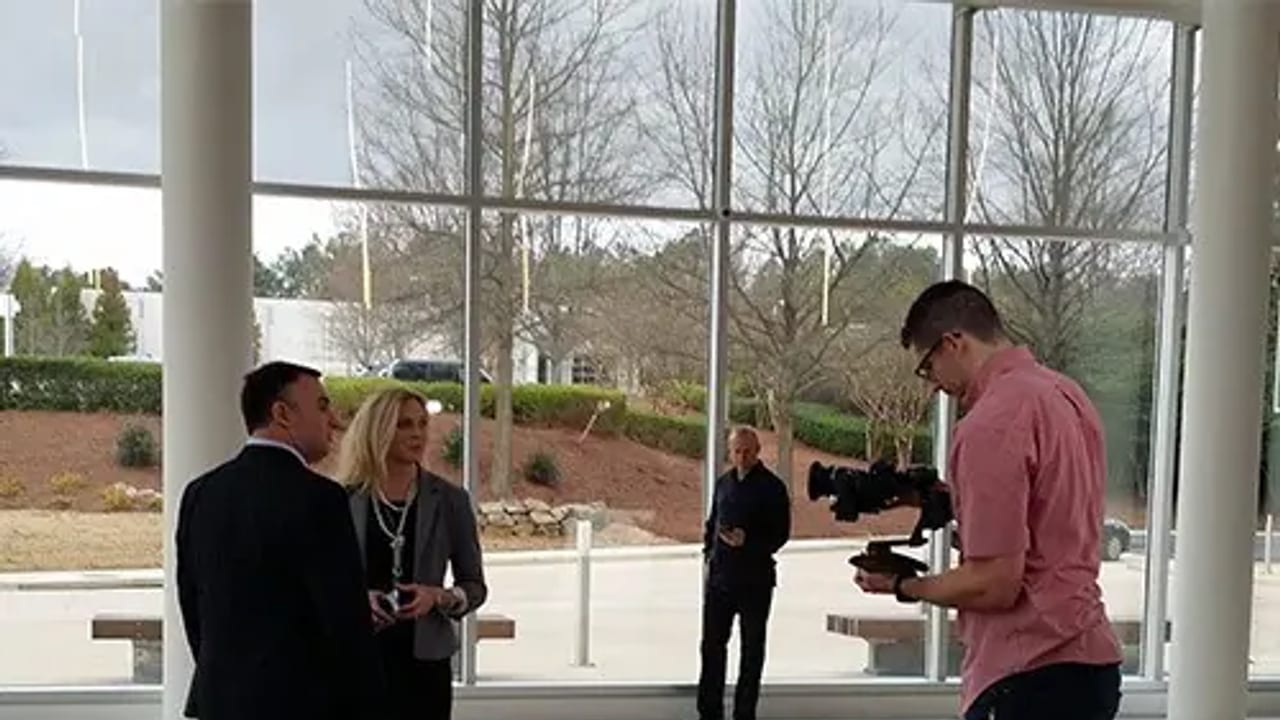
Mobile app demos benefit from a blend of live action, 2D/3D animation, and compositing to illustrate features clearly and engagingly. For example, ECG’s work on the RE/MAX Regional Services app demo used greenscreen footage alongside motion graphics and original sound design to highlight key functions dynamically. This mix helps viewers visualize the app in context, making abstract features tangible and memorable.
Align Production and Post-Production With Your Distribution Plan
Your video’s final form depends on how and where it will be watched. Is it primarily for mobile devices, desktop, or large screens? Will it run with or without sound? These factors influence your choices in framing, pacing, color grading, and audio mixing. Early coordination between production and post ensures your demo looks polished and performs well across platforms, avoiding costly fixes after delivery.
Set Clear Approval and Success Criteria Upfront
Identify who will approve the video at each stage and what success looks like beyond just completing the edit. Is it viewer engagement, app downloads, or internal adoption? Establishing these criteria early helps keep the project on track and allows your production partner to make informed creative decisions. Sharing references with notes on pacing, tone, animation style, and call-to-action clarity can accelerate alignment and reduce revisions.
FAQ
What is the ideal length for a mobile app demo video?
Aim for 60 to 90 seconds for a full demo to keep viewer attention while covering key features. Shorter cutdowns of 15 to 30 seconds work well for social media and paid ads.
Should I use live action or animation for my app demo?
Both have strengths. Live action adds human context and trust, while animation clearly illustrates app functions. Combining them, as ECG often does, creates engaging and informative demos.
How do I ensure my video performs well on different platforms?
Plan versions tailored to each platform’s format and audience behavior—vertical for stories, captioned for silent autoplay, and optimized thumbnails. Coordinate production and post to meet these specs from the start.
What should a team understand about RE/MAX | Regional Services: Mobile App Demo?
The useful takeaway is how audience, creative direction, production choices, post-production, approvals, and delivery needs shape the final video plan.
Where should this kind of project start?
Start with the goal, audience, deadline, where the finished piece needs to live, and the practical constraints that will affect creative and production decisions.
How can ECG help with the next step?
ECG can help connect the creative idea to production planning, filming, post-production, versioning, and delivery so the finished work fits the channel and the audience.